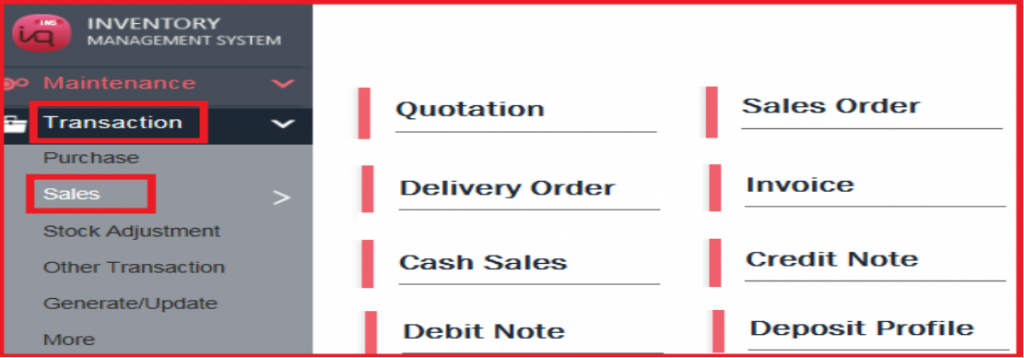
Recurring Group
This recurring feature allows user to generate bill (eg invoice for maintenance fee) on a monthly or yearly basis to many customers.
***The Recurring Bills have to be chosen from Created Bills, so create the Invoice, Purchase Receive etc beforehand***
1) First, user has to create a bill for every customer at Transaction (eg Sales > Invoice).
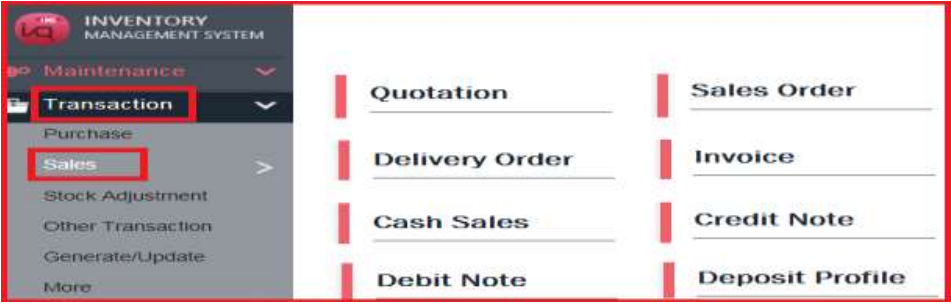
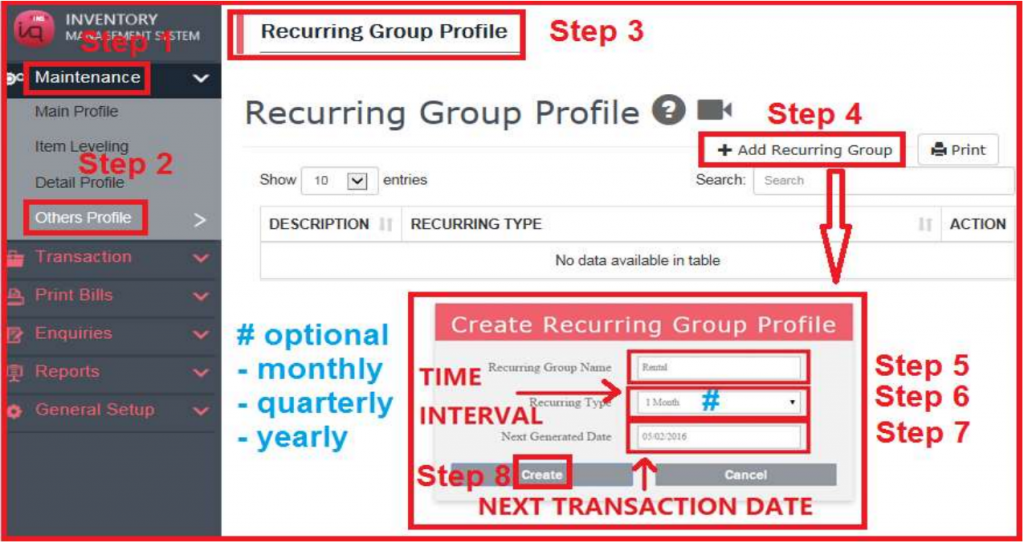
2) Then, user has to create Recurring Group (need to create 1 time only for each group).
To create recurring transactions, go to MAINTENANCE – OTHERS PROFILE –
RECURRING GROUP PROFILE.
Create a new Recurring Group, choosing the time interval in Recurring Type and entering first Date in Next Generated Date.
Please note that user can edit the Start Date and there is no End Date.
3) To generate recurring transaction
First time to generate bills > user has to follow Step 1 to Step 7.
Thereafter, to generate bills the next time > user only need to click Step 7.
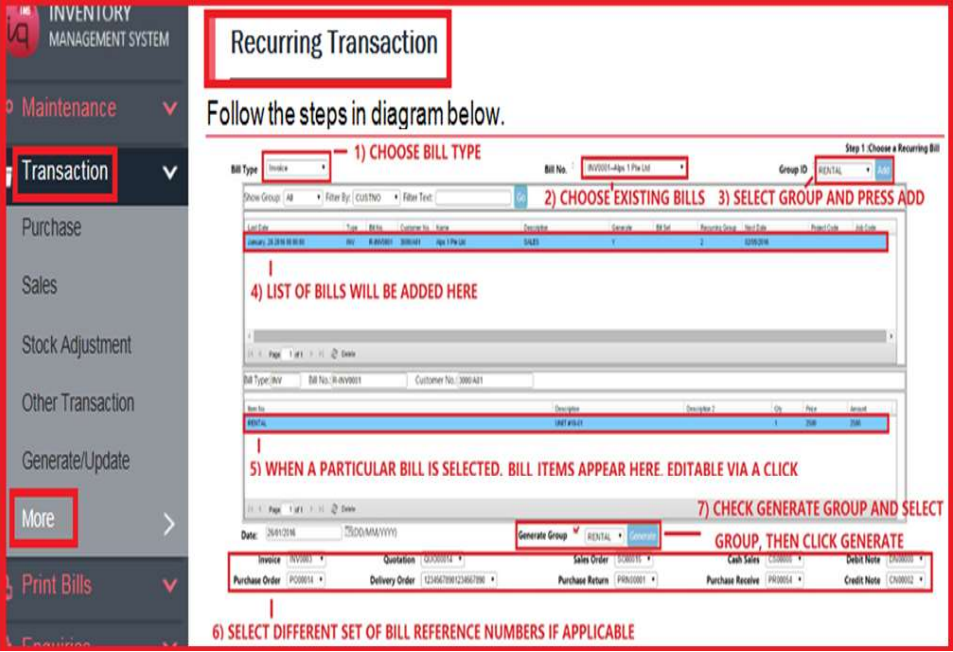
The Bills in the Group will be generated with the set of Last Used Nos selected.
Next Generated Date for the Group will be updated according to Time Interval as well.
4) The generated recurring transaction will auto appear at the respective billings.