Product Profile
To create transactions, there has to be the products’ data in the system.
To create this data, navigate to product profile.
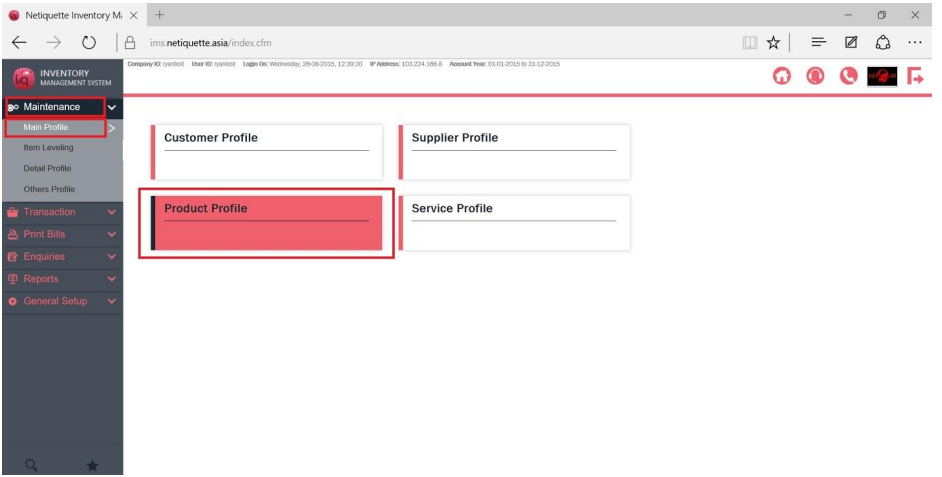
You will come to a list of created products.
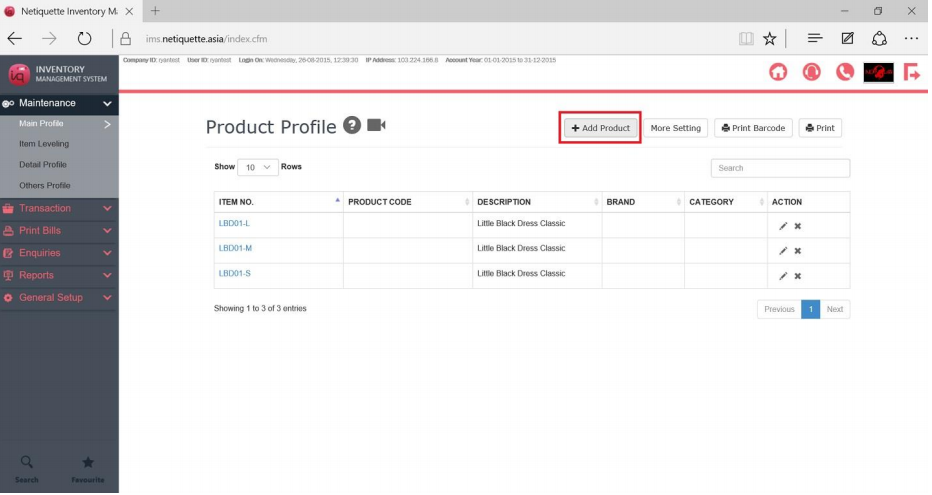
1) To create a new Product, select Add Product.
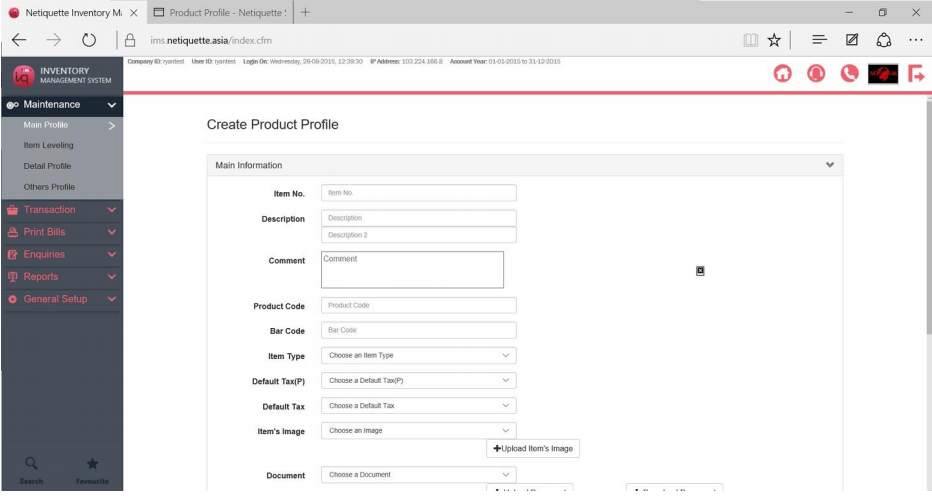
2) The Item No. is the only necessary field you need to fill up to create the Product Profile. Once created, it can not be changed directly from this profile.
You may fill up the other details at the point of creation or edit at a later time. Here are some examples of information you can enter, Description, Unit Cost Price, Selling Price, Selling Price for different customer groups, Barcode Number, Unit of measurements and Serial No Record etc.
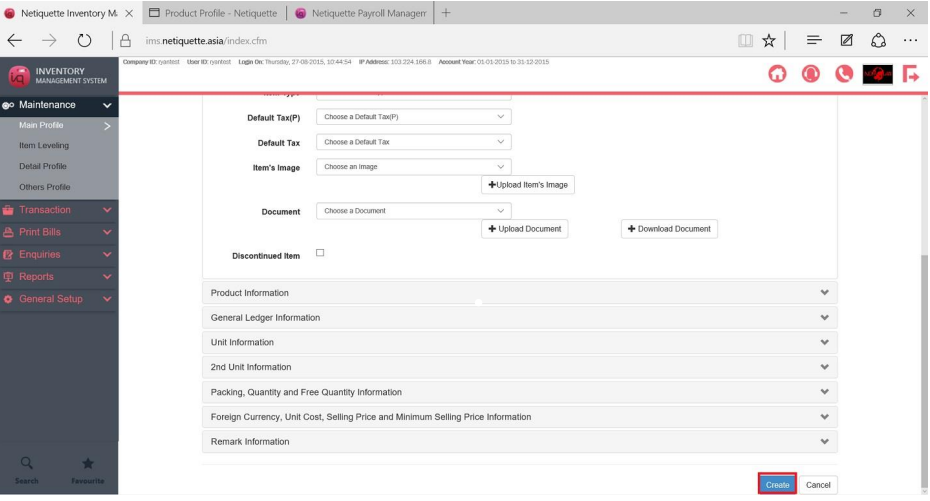
3) When you are done with the details, scroll to the bottom of the page and click on create.
Your Product is now successfully created.