Outstanding Sales Order
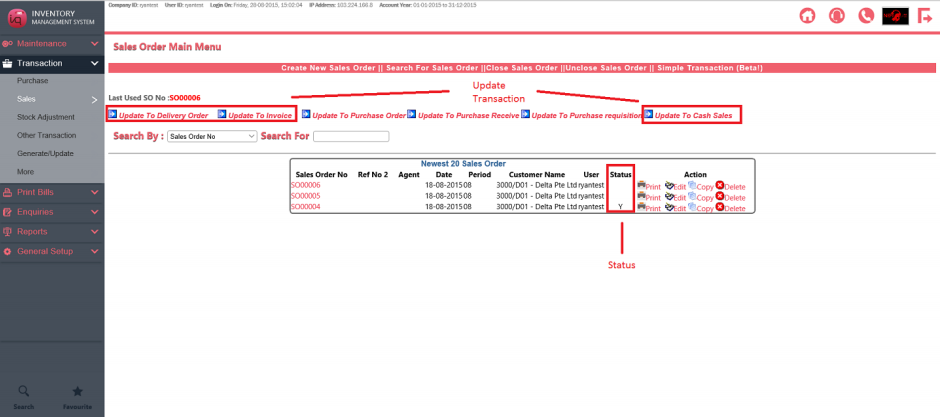
Sales order are outstanding when Status is blank. When it is (1) fulfilled or (2) written off, the letter “Y” will indicate that it is no longer outstanding.
(1) You can update the sales order to a delivery order, an invoice or a cash sales. When every item in the sales order is updated to another bill, it is considered fulfilled.
(2) Alternatively, you can write off the sales order. Navigate to Transaction – Other transaction – Write off Sales order and choose the items in sales orders to write off.
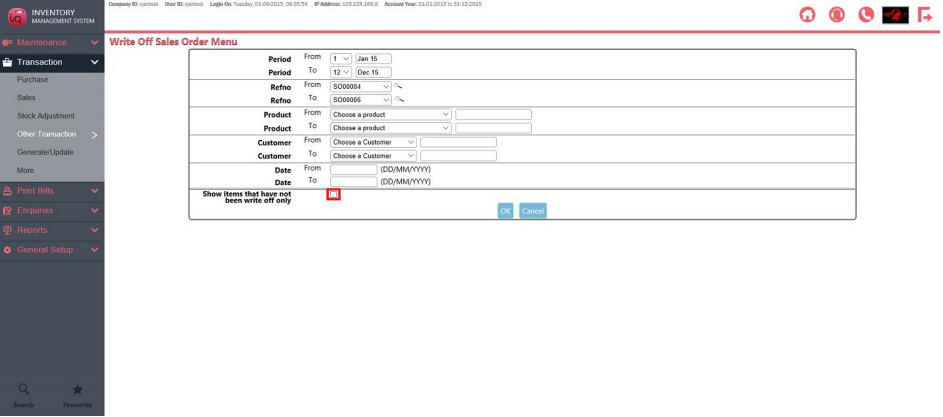
You can check the box to only see items that are outstanding. If you leave it unchecked, items which have been written off will be shown as well.
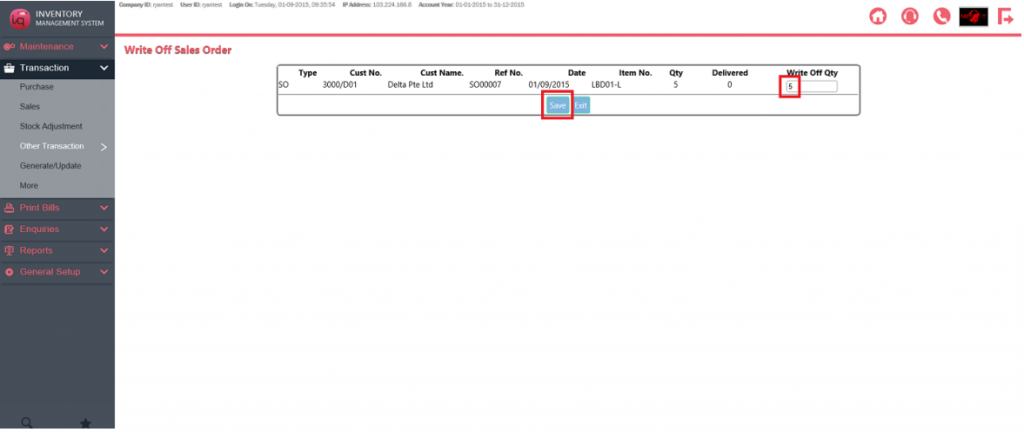
You will then see every item in the sales order you selected, to completely write a sales order off, set the quantity of every item in the sales order to undelivered quantity (= Qty – Delivered). Then press save.
The sales order is now shown as “Y” and no longer outstanding.
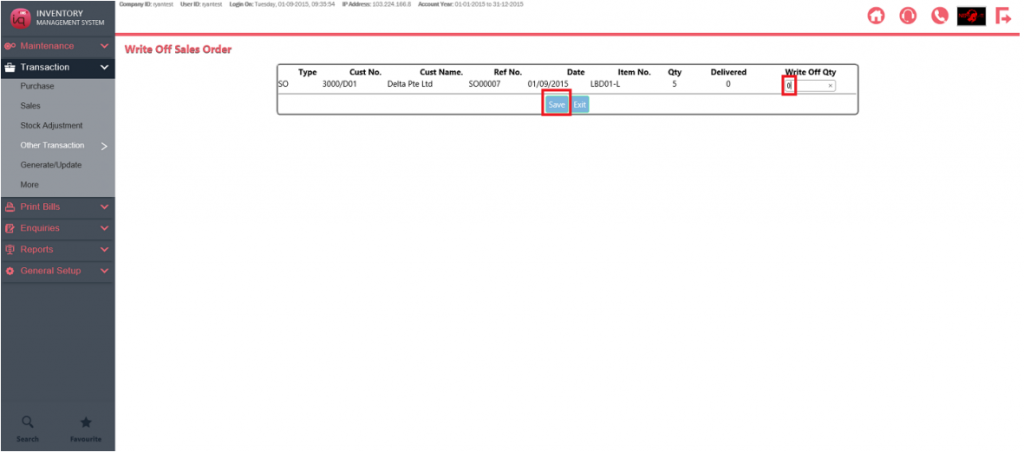
To retrieve this sales order, return to this menu and set the write off quantity as 0. Then press save.